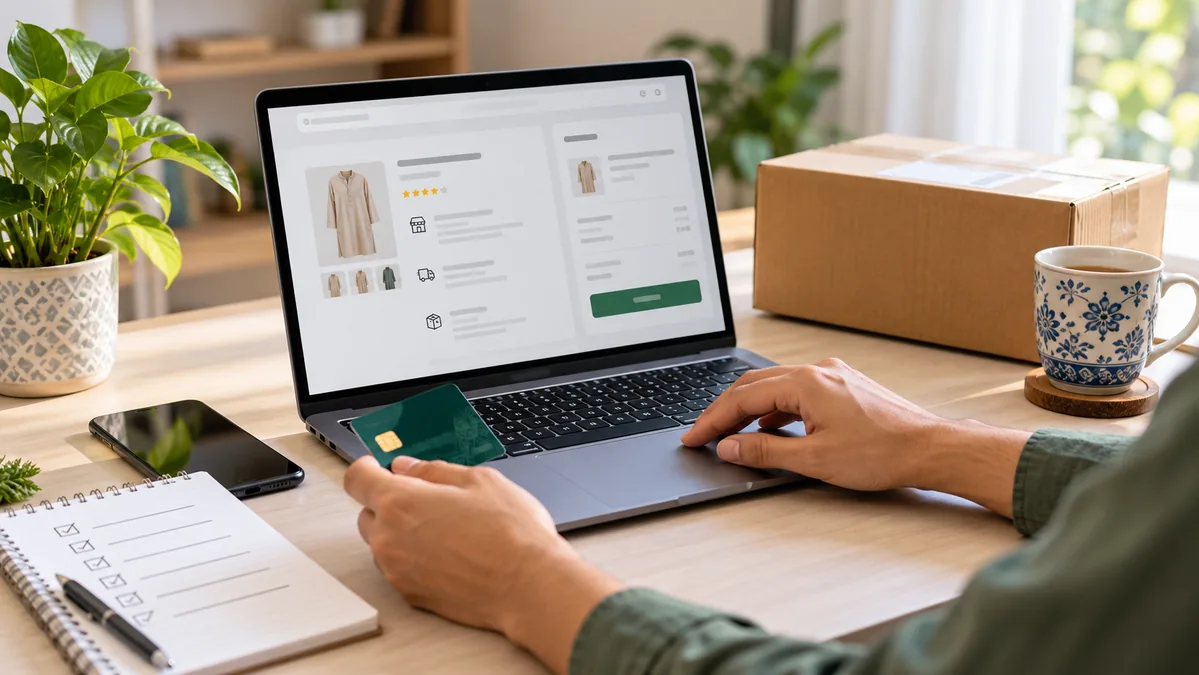
Safe online shopping in Pakistan starts before you press the checkout button. A careful buyer checks the store, product information, total cost, delivery terms and return policy instead of choosing only the lowest price. These practical steps can help you avoid unsuitable purchases and make better decisions on any ecommerce website.
1. Check the Website Address
Read the domain name carefully before entering personal or payment details. Imitation websites may use misspellings or unfamiliar extensions that look similar to a trusted store. Open the website through a saved link, a verified social profile or a search result you recognise, rather than clicking an unexpected message.
A secure connection is useful, but the padlock icon alone does not prove that a seller is reliable. It only shows that data sent between your browser and the website is encrypted. You still need to review the store and the offer.
2. Read the Product Page Completely
Do not judge an item from the first image. Check the full title, description, size, material, colour, quantity, model, compatibility and included accessories. If a detail that affects your purchase is missing, ask the seller before ordering.
Product photographs can appear different on various screens. Read variation names and measurements carefully, especially for clothing, storage items, electronics and products available in multiple colours or sizes.
3. Compare the Total Cost, Not Only the Price
A very low displayed price can become less attractive after delivery charges or optional extras are added. Review the order summary before payment and confirm the item price, quantity, shipping fee and final payable total. Keep a screenshot or confirmation email for your records.
Compare similar specifications rather than comparing two products only by name. A larger size, stronger material, longer warranty or included accessory can explain a price difference.
4. Review Delivery Information
Check the estimated dispatch and delivery time before you order, particularly when you need an item for a gift, event or journey. Delivery estimates may vary by city, courier workload and public holidays, so allow reasonable extra time.
Read the store’s shipping policy for available delivery details and any conditions that apply. Make sure your name, phone number and address are complete so the courier can contact you.
5. Understand the Return and Refund Rules
Before purchasing, check how long you have to report a problem, which items can be returned and whether the product must remain unused or in original packaging. Some product categories may have different conditions for hygiene, safety or customization reasons.
Save the invoice, packaging and unboxing evidence until you have inspected the item. You can review the store’s refund and returns policy before placing an order.
6. Look for Clear Contact Information
A genuine ecommerce business should provide a practical way for customers to ask questions or report an issue. Check whether the website has a contact page, working phone or messaging channel and stated support hours. Send a short product question if an important detail is unclear.
For Kaisz orders or product questions, the contact page provides the current support route.
7. Treat Reviews as One Signal, Not Final Proof
Customer feedback can be helpful, but do not rely on star ratings alone. Read several detailed reviews and look for comments about size, quality, packaging and actual use. Repeated generic wording, unrelated text or a sudden cluster of extreme ratings may not be useful evidence.
Combine reviews with the product specifications, seller information and policy pages. No single signal can guarantee that an item will suit every buyer.
8. Use a Payment Method You Understand
Choose an available payment option that you recognise and understand. Never share a card PIN, banking password, one-time code or account login with a seller through chat or phone. A legitimate support agent should not need those credentials to confirm an order.
If a payment page opens on another domain, check the address before continuing. Stop if the amount, merchant information or requested details do not match your purchase.
9. Avoid Urgency and Unrealistic Claims
Limited-time offers can be genuine, but pressure should not replace basic checks. Be cautious when a seller demands immediate payment, promises impossible results or refuses to answer simple questions. Take a minute to verify the description, policies and final cost.
10. Protect Your Account
Use a strong password that you do not reuse for email, banking or social accounts. Sign out on shared devices and avoid saving payment information on a public computer. Keep your browser and phone updated so known security problems receive available fixes.
11. Check the Parcel at Delivery
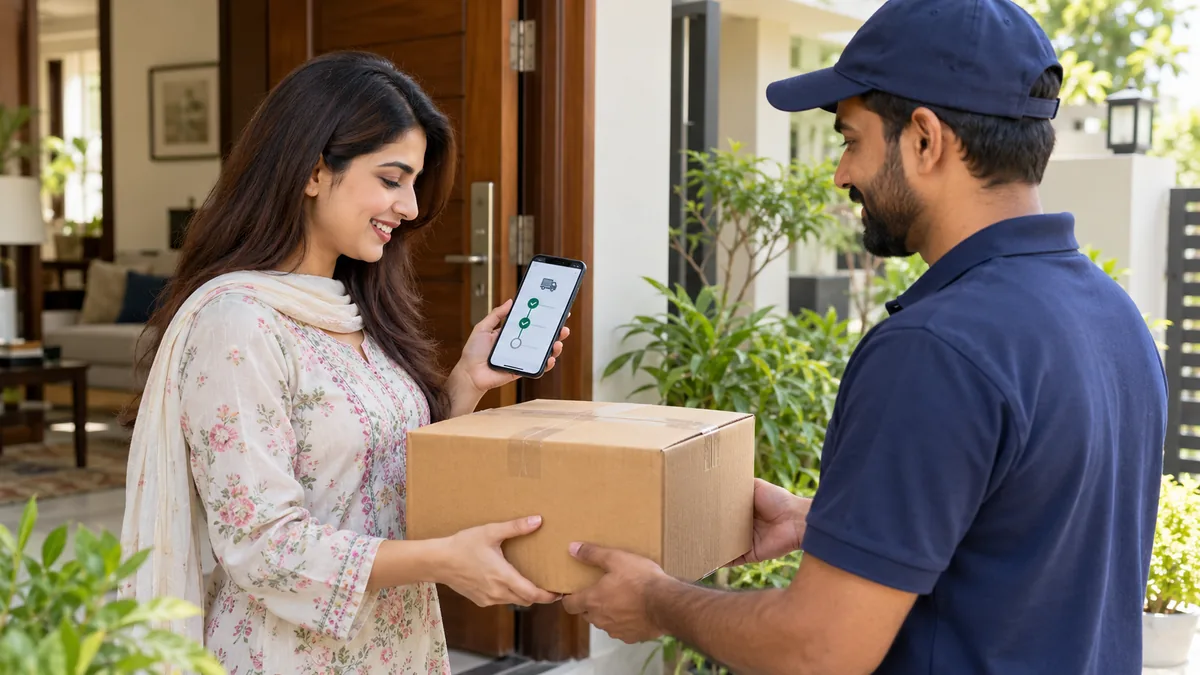
Confirm the recipient name and store details before accepting a parcel. If the package is visibly damaged, follow the courier and seller’s reporting process. Record a clear unboxing video when appropriate, showing the sealed parcel, label and item condition without exposing private address details publicly.
12. Keep Order Records
Save the order number, invoice, payment confirmation and relevant conversation until the order is complete. These records help customer support identify the purchase and understand the issue. When contacting support, explain the problem clearly and include only the information needed to resolve it.
Quick Safe Online Shopping Checklist
- Confirm the website address.
- Read specifications, variations and included items.
- Check the complete payable amount.
- Review delivery and return policies.
- Use a payment method you understand.
- Never share passwords, PINs or one-time codes.
- Save the invoice and order number.
- Inspect the parcel and report problems promptly.
Frequently Asked Questions
Is cash on delivery always safer?
Cash on delivery can reduce the need to enter card details online, but it does not replace checking the product, seller and return policy. Confirm the total amount and inspect the parcel according to the courier’s permitted process.
How can I identify a suspicious online offer?
Warning signs can include an incorrect website address, missing contact information, unclear product details, pressure for immediate payment, requests for passwords or one-time codes, and claims that seem impossible. One sign alone may not prove fraud, but several signs justify stopping and checking further.
What should I save after placing an order?
Keep the order number, invoice, payment confirmation, product page details and important support messages until you have received and checked the item.
Final Advice
Safe online shopping is mainly a habit of checking details before paying. Choose products according to your actual needs, read the store policies and keep accurate order records. When you are ready to compare available categories, visit the Kaisz online shop and review each product page carefully before checkout.
Related

 Kemei KM-6330 Price in Pakistan – 3 in 1 Trimmer Rated 5.00 out of 5